
Common Pitfalls When Customizing Duda Templates for Clients

Common Pitfalls When Customizing Duda Templates for Clients
Duda templates are a favorite for busy agencies for a reason. They are fast to launch, easy to scale, and simple to white label so your brand stays front and center while the work gets done in the background. When you are juggling summer promos, mid-year campaigns, and constant client requests, that speed feels like a lifesaver.
But when custom work is rushed, those same templates can start to hurt ROI. Projects drag, revisions stack up, and clients wonder why things feel “off” even though the site looks nice. In this article, we are talking to agencies that live inside Duda, Brizy, and WordPress premium templates and want smoother launches, happier clients, and stronger recurring revenue. We will walk through the common pitfalls we see when teams customize Duda templates, and how a better process leads to cleaner builds and calmer timelines.
Avoid Cookie-Cutter Customizations That Undermine ROI
Templates are a starting point, not the finished product. When teams simply “swap logo and colors” and hit publish, a few problems show up fast:
- The site looks like every other site in that template family
- Conversion paths do not match the client’s actual offers
- Brand voice feels generic and thin
During busy mid-year campaigns, it is tempting to lean hard on defaults so you can get something live quickly. But shallow edits often lead to:
- Extra revision rounds when the client finally notices what is missing
- Confusing user flows that hurt sales and leads
- Extra time fixing things you could have planned in the beginning
The goal is not to fight the template. The goal is to shape it into a system that matches your client’s funnel, brand, and content, without losing the speed advantage.
Misreading the Client Brief Before Touching the Template
One of the biggest issues we see is rushing into the Duda editor before truly understanding the brief. The template layout starts to drive the project instead of the client’s goals.
Common traps here:
- Letting the default homepage sections define the funnel, instead of mapping the funnel first
- Trying to cram offers and services into spots that do not make sense
- Treating “About” and “Services” as fixed, even if the client has a very different structure
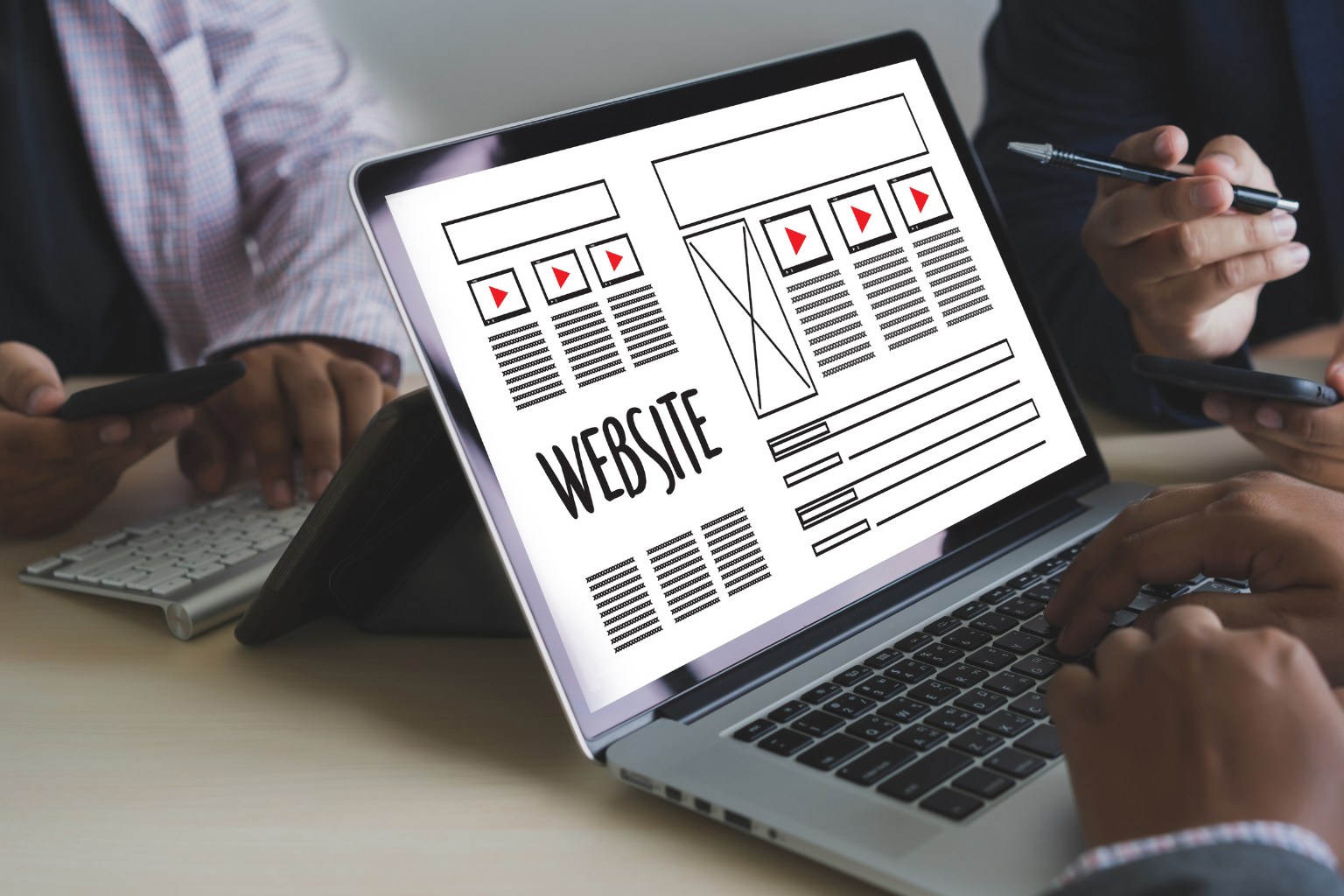
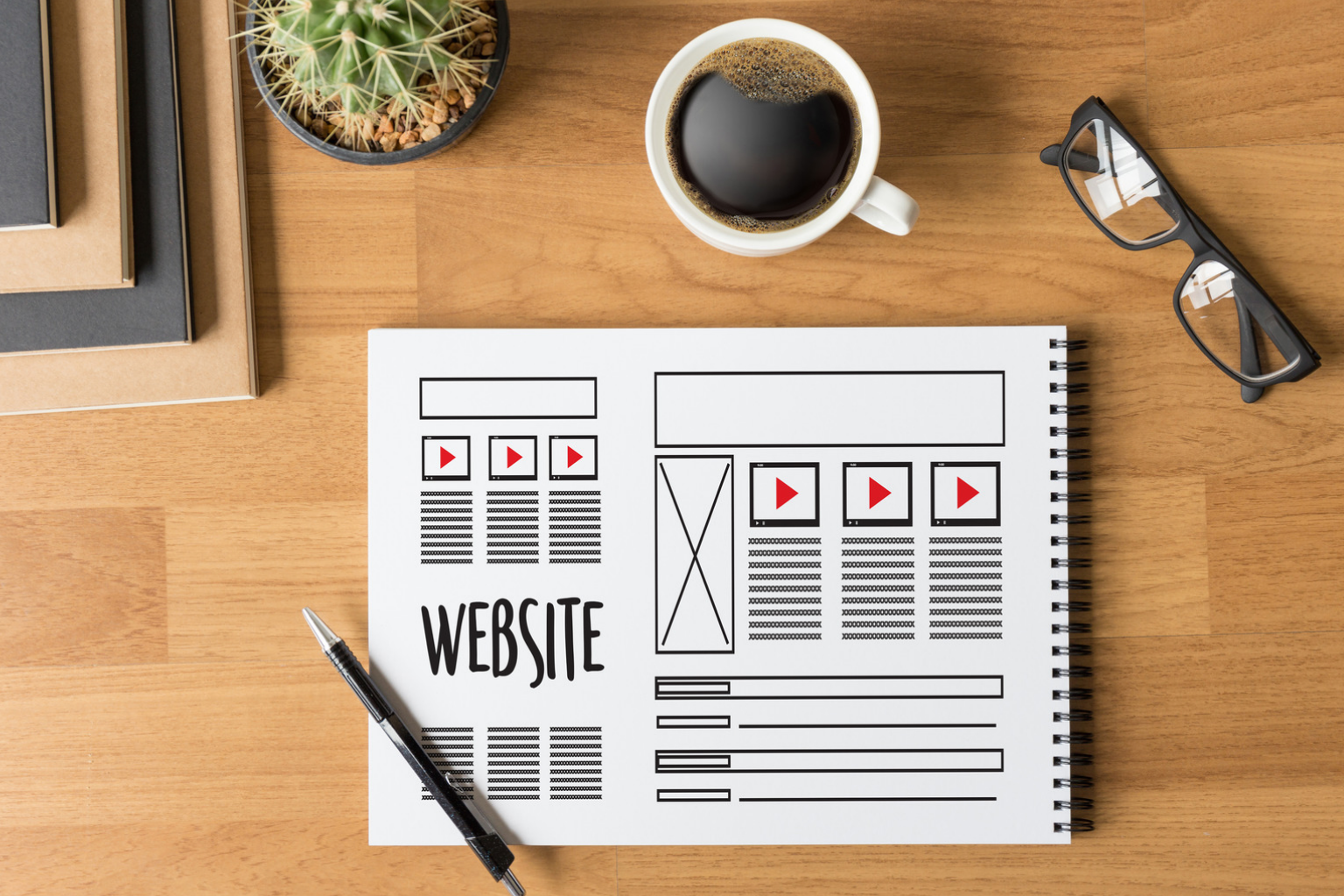
A stronger approach is to pause and build a simple wireframe from the brief:
- What is the main offer for this season?
- Who is the primary audience and what do they care about?
- What actions should visitors take on each page?
When brand strategy is weakly translated, you get mismatched voice and awkward layouts. Content feels like it is stuffed into slots instead of written for real people. If you also skip early alignment with key stakeholders, the pain shows up late, with big change requests that affect:
- Section order
- Content volume
- Responsive behavior on tablet and mobile
Slowing down before you open the template usually speeds up everything after.
Breaking Responsive Layouts with Heavy-Handed Edits
Duda templates are built to be responsive out of the box. Heavy edits can quietly break that if the team is not careful. This often starts with drag-and-drop chaos:
- Too many widgets inside one row
- Random padding and margin tweaks to “make it fit” on desktop
- Stacked elements that look fine at full width but collapse badly on smaller screens
Ignoring Duda’s column structure and global design settings leads to:
- Inconsistent spacing from page to page
- Fonts that shrink or grow in strange ways
- Buttons wrapping in odd places on mobile
Here is a simple check process that pays off, especially when timelines are tight around summer events and promos:
- After each major edit, flip through desktop, tablet, and mobile views
- Fix spacing with consistent rules, not one-off hacks
- Test key user flows on each breakpoint, like main CTAs and forms
It is much easier to catch layout issues when the page is still in progress than when you are hours from launch.
Over-Customizing Design While Under-Optimizing Performance
Another common trap is focusing on visual “wow” and forgetting page speed. We see this a lot when teams load up Duda templates with:
- Heavy animations on every scroll
- Large hero images that are not compressed
- Extra third-party scripts that all compete to load first
The problem is simple: pretty but slow sites lose visitors. Duda templates are usually built with fairly lean blocks. When those are replaced with large custom code sections or bloated widgets, things slow down.
A better move is to reuse the template’s optimized blocks whenever you can. Adjust styling, copy, and media, but keep the lean structure. Then add basic performance hygiene to your workflow:
- Compress and resize images before upload
- Use modern formats where it makes sense
- Remove unused widgets and sections, not just hide them
- Turn on and review Duda performance tools before launch
Design and performance can live together, but only if performance is part of the plan, not an afterthought.
Inconsistent Branding and Missed Global Settings
Duda’s Site Theme settings are there to keep your life easier. When teams skip them, branding turns into a mess of one-off edits.
Common issues:
- Manually styling each heading instead of setting global fonts and sizes
- Changing button colors on individual sections while leaving the global style untouched
- Forgetting to override default template colors, so odd accents pop up on new pages
This leads to small but annoying problems your client spots right away:
- A random button in the wrong color
- A heading in the wrong font
- Icons that do not match the rest of the visual style
Global headers, footers, and navigation also get missed. When those are not updated, you end up with:
- Landing pages that feel disconnected from the main site
- Seasonal campaign pages that have different menus or logos
- Confusing paths for returning visitors
Spending a short block of time on global settings near the start of the project makes every later change faster and more consistent.
Skipping Structured SEO and Content Planning
Treating a Duda template like a fill-in-the-blank worksheet holds back both traffic and conversions. Content needs to follow a plan, especially when clients depend on search and seasonal offers.
Instead of just pasting text into whatever section is open, start with a simple content map:
- What is the primary keyword or topic focus for each page?
- What questions or problems should each section answer?
- How will CTAs change between mid-year sales, back-to-school, or summer events?
It also helps to give on-page SEO its proper spot in your checklist. Many teams forget basic items Duda already supports, like:
- Clear page titles and human-friendly meta descriptions
- Logical heading structure, from H1 down
- Smart internal links between related pages
- Schema where it is relevant
Copy-pasting client content without shaping it to the layout leads to walls of text, weak CTAs, and confusing offers. Brizy and WordPress templates have the same risk. The tool does not fix content. The plan does.
Turning Duda Templates Into a Repeatable Agency System
In the end, success with Duda templates is not about flashy tweaks; it is about process. When you build a repeatable way of working, you get faster launches and fewer surprises. The key pieces are simple:
- Clear, well-read briefs and wireframes before you ever touch a layout
- Early brand alignment and global settings that match the style guide
- Regular responsive checks across devices as you build
- Performance and SEO baked into your standard steps
Agencies that treat templates as part of a system, not a shortcut, see better long-term client relationships and smoother seasonal campaigns. With white label premium templates and done-for-you builds, teams can ship quality sites more consistently across Duda, Brizy, and WordPress, even when the calendar is packed with summer and fall promotions.
Jumpstart Your Next Site Build With High-Converting Designs
If you are ready to streamline your workflow and launch client sites faster, our curated
Duda templates give you a head start. At Agency Designs, we’ve tested and refined layouts so you can focus on strategy and content instead of reinventing the wheel. Choose a template, customize it to your client’s brand, and deliver polished results in a fraction of the time. Start exploring today to see how much more you can accomplish with your existing resources.