
Template Launch Checklist for Flawless Client Previews
Template Launch Checklist for Flawless Client Previews
A premium website template can make you look like a hero or create a headache that drags through endless revision cycles. The difference usually comes down to what happens before the client ever sees the first preview. When agencies and professional website builders treat template launches like a real product release, the client experience instantly feels more polished, more strategic, and more on brand.
At Agency Designs, we create white label templates for Brizy, Duda, and WordPress that are built to impress. But even the best starting point still needs a solid QA checklist before it is client-ready. In this article, we will walk through a practical, repeatable launch process you can apply to every build so your previews feel intentional, your revisions stay light, and your reputation stays strong.
Turn Your Template Into a Client-Ready Experience
A template is not a website, it is a framework. The moment you start customizing it for a real client, you are responsible for every detail your client will experience, from layout and copy to form routing and analytics events. That is why a clear pre-preview checklist matters.
Skipping structured QA often leads to sloppy first impressions, avoidable bugs and layout issues, longer feedback cycles and extra unbilled time, and clients questioning the value of your work.
When you are working with premium templates from Agency Designs, you already have a strong visual and structural foundation. Your job is to turn that foundation into a tailored experience. This checklist works across Brizy, Duda, and WordPress, with only minor platform tweaks, so your team can follow the same rhythm no matter which CMS your client prefers.
Start with the Strategy Behind the Template
Before touching spacing or colors, confirm that the template choice itself is strategic. If the foundation does not fit, polish will not fix it.
Start by asking a few simple questions:
- Does this template match the client’s niche and audience expectations?
- Does the layout support the main offer and sales process?
- Are the most important actions obvious and easy to take?
Next, review the page structure against your client brief. You are essentially checking whether the template’s flow matches how the client wants visitors to understand the offer and take action. Pay particular attention to the hero section (is the primary message clear in the first screen, with one focused call to action?), services or product blocks (are related items grouped logically, or do you need to refocus the layout?), and the contact path (can a visitor quickly see how to call, book, or submit a form from any page?).
Then check brand alignment. Your premium Brizy, Duda, or WordPress template includes design systems for:
- Color palette and gradients
- Typography scales and font pairings
- Button shapes, hover states, and link treatments
- Image aspect ratios and overlay styles
Adjust those global settings to match the client’s brand guide before you start building out content. When the brand system is aligned at the template level, everything you add later will automatically feel more cohesive.
Design Polish: Visual QA Across Devices
Once the strategic fit is clear, shift to visual QA. This is where many agencies cut corners, and it is exactly where professional website builders win trust.
Start with global styling and make sure the basics are consistent across every page:
- Headings follow a consistent hierarchy across pages
- Body copy is readable, with line length and spacing dialed in
- Buttons and links use the same color, radius, and hover behavior
- Sections follow a predictable rhythm of padding and margins
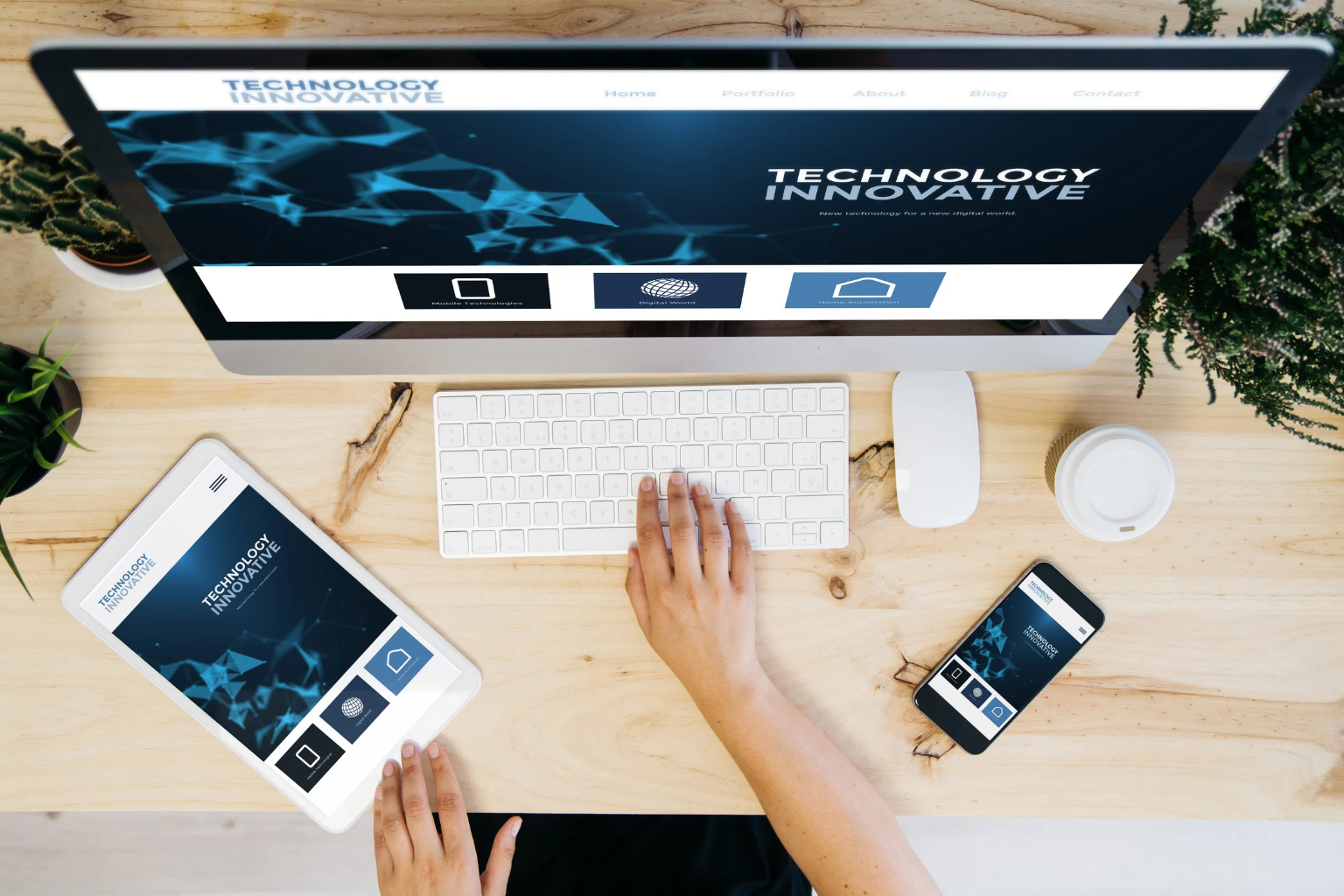
Then run a responsive pass. In Brizy, Duda, and WordPress builders, it is easy to tweak per breakpoint, so actually use that power. Test on desktop, tablet, and mobile to catch issues like odd white space, grid misalignment, inconsistent section widths, cramped stacking order, tap targets that are too small, headings that don’t scale down cleanly, images that dominate the screen, or sticky elements that cover important content.
Pay close attention to imagery and replace every placeholder with:
- On-brand photos or graphics that match the intended mood
- Consistent aspect ratios to avoid unexpected cropping
- Optimized file sizes so image-heavy sections still load quickly
- Alt text that actually describes the image or supports SEO
Professional website builders often standardize a device-by-device QA routine. For example, you might adopt a rule that no site is previewed until it passes a desktop, tablet, and two mobile width checks. Over time, that habit alone can cut launch issues dramatically.
Content and UX Checks Before Client Eyes
Nothing kills the magic of a premium template faster than a leftover block or a “Company Name” headline at the top of the page. Before a client ever logs in, every visible word should feel intentional.
Start with a content sweep:
- Replace all placeholder copy, including tiny labels, form field hints, and error messages.
- Update any generic business names, addresses, and phone numbers everywhere.
- Align headings and subheadings with the client’s voice and positioning.
Next, walk through navigation like a real visitor and confirm the experience is predictable from entry to conversion. Test the main menu links and dropdowns, anchor links for one-page or long-scroll sections, logo click behavior back to the correct homepage, and footer menus, legal links, and contact routes.
Calls to action should feel consistent, not random. Confirm that:
- Primary buttons repeat the same core action text where appropriate
- Secondary CTAs support the main funnel instead of competing with it
- Forms, chat widgets, and booking tools are easy to see and use on all devices
Finally, treat forms as their own mini-project. Check:
- Field order and required fields match the client’s process
- Validation messages are clear and on-brand
- Thank-you messages or redirect pages are active and customized
- Notification emails go to the right recipients and use branded subject lines
Technical Performance and Platform-Specific QA
A site that looks great but feels slow or buggy will not impress anyone, so before your preview, give the build a technical health check.
Start with performance basics:
- Run speed tests and note any major bottlenecks
- Confirm image compression and lazy loading where available
- Remove unused blocks, scripts, or plugins that add weight
Then set up SEO fundamentals:
- Page titles and meta descriptions that match the page purpose
- A single H1 per page, with logical H2 and H3 usage
- Schema options supported by your template, if available
- XML sitemap settings inside your CMS tools
Integrations are where many launches stumble, so verify:
- CRM or email marketing connections for each form
- Analytics tags and pixels installed in the right global area
- Key events firing correctly using browser dev tools or preview modes
Round it out with cross-browser checks by opening the site in Chrome, Safari, Firefox, and Edge. Look specifically at CMS-specific features like sliders, animations, and popups, and make sure they appear at the right time, perform smoothly, and do not block scrolling. Standardized technical QA lists help professional website builders avoid those awkward post-launch messages about broken features on a client’s favorite browser.
Final Previews, Handoff, and Reusable Checklists
Once the site passes strategic, visual, content, and technical checks, you are ready for a confident client preview. The presentation itself matters, because it shapes how clients evaluate the work and where they focus their feedback.
Prepare a guided experience, such as:
- A staged URL with a short note explaining what to review first
- A quick walkthrough video highlighting how the template supports their goals
- Annotated screenshots for key sections that deserve extra context
Before anything goes out, do an internal sign-off. Ideally, a designer, a strategist, and an account manager all give a quick green light that the site matches the agreed scope and sitemap, the brand is represented accurately across all touchpoints, and the main funnel and calls to action are clear and consistent.
Finally, treat this entire process as an asset. Turn your steps into a reusable checklist tailored for Brizy, Duda, and WordPress builds. Over time, your agency can keep refining it based on real issues you catch or miss, until launching from premium Agency Designs templates feels almost effortless for your team and impressively seamless for your clients.
Get Started With Your Project Today
If you are ready to upgrade your online presence with a modern, conversion-focused site, our team at Agency Designs is here to help. Our
professional website builders work with you to understand your goals and translate them into a strategic WordPress design. We focus on performance, usability, and branding so your website supports real business growth. Reach out today so we can discuss your project and create a clear plan for your new site.